Does Hume Band Work Without a Phone? What You Need to Know
Does Hume Band Work Without a Phone? 🔥 Learn how Hume Band tracks, stores, and syncs your health data without your smartphone.
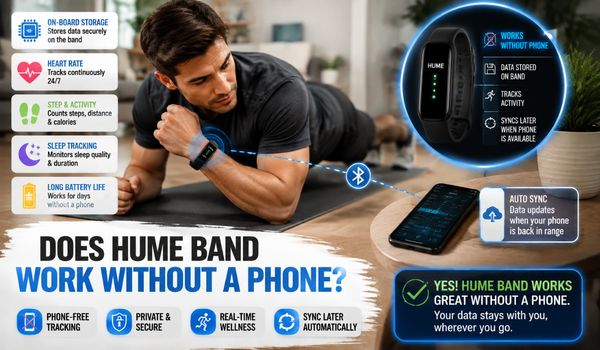

The short answer is yes, the Hume Band can continue collecting data when your phone is not nearby.
However, your phone still plays an important role in setting up the band, connecting it via Bluetooth, syncing data, and viewing your health data in the Hume Health app.
This distinction is important. You do not necessarily need to carry your phone with you every minute of the day, but the Hume Band is designed to work within an ecosystem that includes the Hume Health app.
According to Hume Health’s current setup information, the Band pairs with the Hume app via Bluetooth Low Energy and has onboard data storage.
The manufacturer’s quick-start information states that the Band has up to 30 days of data storage, meaning it can retain collected data while away from your smartphone.
What is Hume Band?
Hume Band is a wearable health and fitness tracker designed to help users monitor daily wellness metrics.
Worn on the wrist, it can track information such as heart rate, activity, movement, sleep, and other health-related measurements, depending on the model and connected features.
This device works with the Hume app, where users can view their collected data, trends, and wellness insights in an organized dashboard.
Its lightweight design makes it suitable for everyday wear, including workouts, daily activities, and sleep.
Hume Band is intended to support better awareness of personal health habits and encourage users to make informed lifestyle and fitness decisions.
Does Hume Band Work Without a Phone?
Yes. The Hume Band can collect and store health and activity information without your phone being constantly connected.
The Band uses its built-in sensors to collect information while you wear it. Your smartphone does not have to be next to you throughout the day for the Band to continue recording.
For example, you might leave your phone at home while going for a walk. You may also prefer not to take your smartphone into the gym, go to bed without it nearby, or participate in an activity where carrying it is inconvenient.
In these situations, the Band can continue functioning as a wearable tracker. However, there is an important limitation: the Band does not replace your smartphone for app-based viewing and synchronization.
The Hume Health documentation explains that the Band connects to your smartphone via Bluetooth, while the phone’s internet connection synchronizes information with the Hume cloud. The Band itself does not directly connect to Wi-Fi.
So, it is more accurate to think of the system this way:
Hume Band → collects and stores data → smartphone connects through Bluetooth → Hume Health app syncs and displays the information.
That means you can leave your phone behind temporarily, but you will eventually need to reconnect the Band with the app to synchronize and review the information it has collected.
How Does Hume Band Work Without Your Phone?
The Hume Band is designed to operate independently as a wearable sensor for periods when your smartphone is not nearby.
Once the Band has been properly set up and paired, its sensors can continue to collect data while you wear it.
The Band uses Bluetooth Low Energy for connectivity. Hume lists Bluetooth 5.0 in its quick-start specifications and states that the Band has approximately a 10-meter Bluetooth range under suitable conditions.
Bluetooth is mainly used when the Band needs to communicate with your smartphone. It does not mean the phone has to remain connected every second.
The Band collects the information first. When your phone becomes available again, the stored information can be transferred to the Hume Health app.
This approach is particularly convenient for people who want continuous tracking without carrying a smartphone everywhere.
What Can the Hume Band Do Without a Phone?
When your phone is not nearby, the Hume Band can continue performing its primary tracking function.
Depending on the Band model, features and software version, Hume describes the wearable as monitoring various wellness-related signals, including sleep, heart-rate-related information, HRV, activity and other healthspan-oriented metrics.
The newer Hume Band 2.0 also emphasizes recovery, sleep, HRV, Pace of Aging and blood-pressure trend insights.
Continue Wearing the Band
You can continue wearing the Hume Band during normal daily activities, even when your phone is somewhere else.
The Band is designed for continuous wear, and Hume lists an IP68 rating for the sensor on its current Band product information.
This makes it suitable for everyday situations where carrying a smartphone may not be practical.
Continue Collecting Data
The biggest advantage of leaving your phone behind is that you do not necessarily have to stop tracking.
The Band’s onboard sensors continue to collect data while you wear it.
For example, if you go for a walk without your phone, the Band can still record relevant activity data.
Similarly, if you sleep with your phone in another room, the Band can continue monitoring your sleep-related data.
Store Data on the Band
The Hume Band has onboard memory for collected data. Hume’s quick-start documentation currently lists 30 days of data memory.
This is one of the most important reasons the Band can operate when your phone is not nearby.
Instead of requiring a continuous smartphone connection, the Band can temporarily store information until it can synchronize.
Still, users should not interpret onboard storage as a reason to avoid syncing indefinitely. Regular synchronization is a better approach because it keeps your app data current and gives you a clearer picture of your trends.
Continue Tracking During Sleep
One of the most useful situations for phone-free tracking is sleep.
You may not want your smartphone next to your bed, or you may keep it across the room overnight.
The Hume Band can remain on your wrist while your phone is elsewhere and still collect relevant sleep and recovery data.
When you reconnect the Band to the Hume app later, the stored information can be synchronized.
What Does Hume Band Need a Phone For?
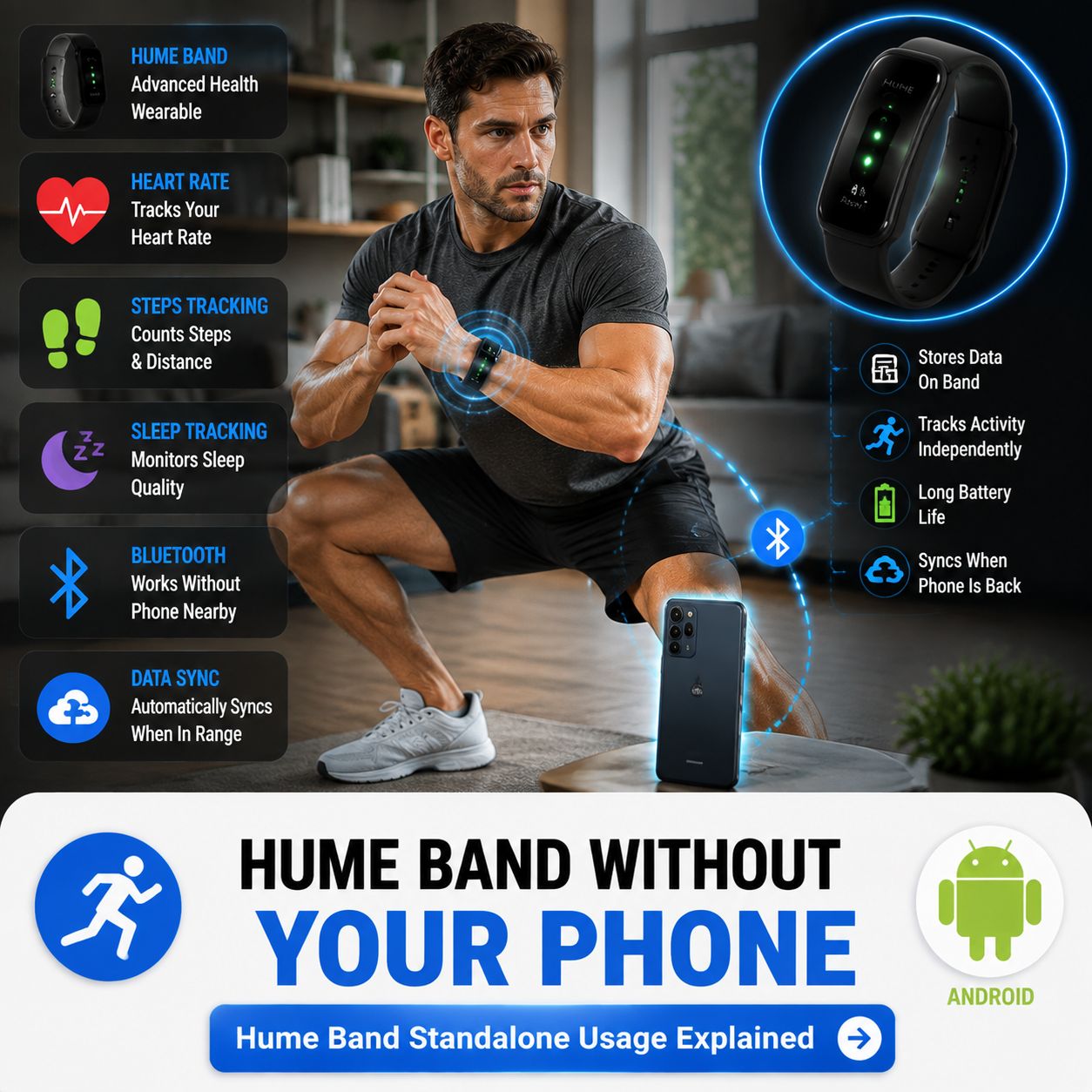
Although the Band can collect information independently, the smartphone remains an important part of the overall Hume system.
There are several tasks that require or strongly depend on the Hume Health app.
Initial Setup
Hume’s official quick-start instructions tell new users to download the Hume app, create an account, enable Bluetooth on the mobile device, and follow the setup wizard to pair the Band.
The company also specifically states that pairing should be completed through the Hume app rather than directly through the phone’s Bluetooth settings.
Therefore, you should not expect to purchase a new Hume Band and start using every feature without first having access to a compatible smartphone.
Bluetooth Connection
Your phone is used as the communication bridge between the Band and the Hume Health app.
When the Band is close enough to the phone, Bluetooth allows the two devices to communicate.
Hume recommends keeping the Band and phone relatively close when syncing. Its FAQ lists an approximately 30-foot range under optimal conditions, while also recommending a closer distance for more reliable synchronization.
Walls, furniture and electronic interference can reduce Bluetooth performance.
Data Synchronization
Hume explains that the Band does not connect directly to Wi-Fi. Instead, it communicates with your smartphone through Bluetooth, and the smartphone can then use Wi-Fi or cellular internet to send data to Hume’s cloud services.
This means the Band can collect data offline from your phone, but the full connected experience requires eventually reconnecting to the phone.
Viewing Your Health Information
The Hume Band is designed without a conventional screen to display a full dashboard of your measurements.
The Hume Health app provides the interface where users can review their collected information, trends and insights.
The current Hume Band product information describes the Hume app as the place to track metrics, with premium options available for additional AI-driven coaching and insights.
Does Hume Band Need Internet to Work?
Not continuously. The Band itself does not connect directly to Wi-Fi. Instead, it uses Bluetooth to communicate with the smartphone.
The phone then provides internet access when synchronization with Hume’s cloud is required.
This creates two separate processes: Tracking: The Band collects information while you wear it.
Synchronization: The smartphone connects to the Band and transfers the information to the Hume app and associated cloud services.
This distinction explains why the Band can continue tracking when you are away from your phone.
You can think of the Band as a temporary storage and sensing device, while your smartphone acts as the gateway for the connected Hume experience.
Can You Go for a Walk Without Your Phone?
Yes, this is one of the situations where the Band’s independent data collection can be useful.
Suppose you want to take a 45-minute walk but do not want to carry your phone.
You can wear the Hume Band and leave your smartphone at home.
The Band can continue to collect relevant activity data during your walk. When you return, bring the Band within Bluetooth range of your phone and open the Hume Health app.
The app can then synchronize the stored information. This setup can be convenient for people who want to reduce their dependence on smartphones during exercise or outdoor activities.
How Often Should You Connect Hume Band to Your Phone?
For the best experience, it is sensible to synchronize your Band regularly rather than waiting until the storage period is nearly full.
Hume’s FAQ recommends syncing at least once daily for optimal performance and notes that more frequent syncing can help keep data and insights up to date.
- Daily synchronization has several practical advantages.
- First, it keeps your app dashboard up to date.
- Second, it reduces the chance of forgetting to sync for extended periods.
- Third, it provides more up-to-date information when reviewing trends.
Fourth, it helps ensure your collected information is transferred from the wearable to the connected Hume ecosystem.
You do not need to obsess over synchronization, but making it part of your normal routine is a good idea.
For example, you could open the Hume app:
- After waking up
- After your morning routine
- After a workout
- Before going to bed
The exact routine is up to you.
Does Hume Band Work Without Bluetooth?
The Band does not require an active Bluetooth connection to your phone at all times while it is collecting data.
However, Bluetooth is the communication technology that connects the Band to your smartphone and synchronizes information.
Hume’s official documentation lists Bluetooth Low Energy connectivity and explains that pairing and syncing take place through the Hume app.
So: Continuous Bluetooth connection: Not necessarily required for tracking.
Bluetooth for pairing and synchronization: Yes.
If Bluetooth is temporarily unavailable, the Band may continue recording, but you should not expect the phone to receive new data until a connection is restored.
Does Hume Band Work Without Wi-Fi?
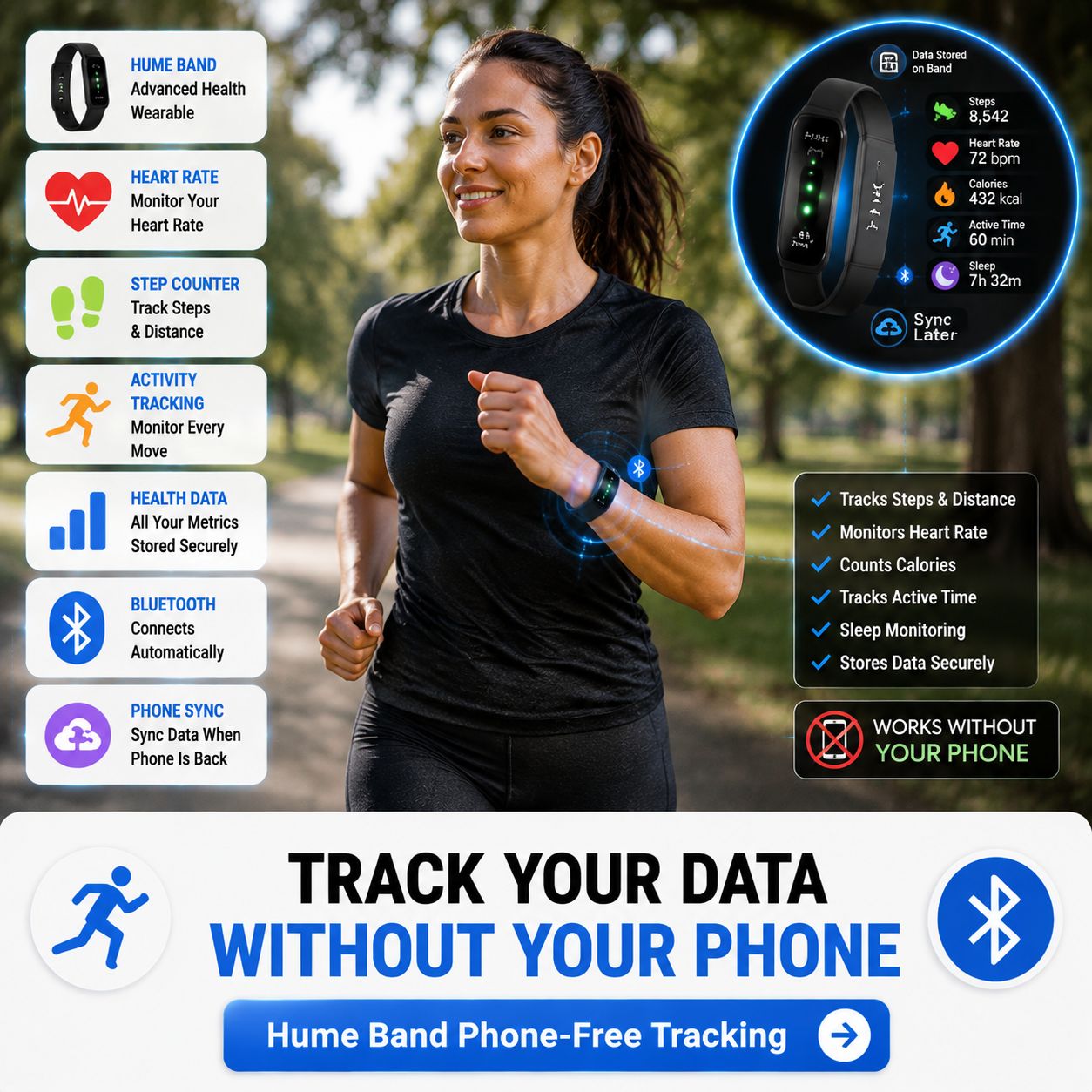
Yes, the Band itself does not require a direct Wi-Fi connection.
In fact, Hume states that the Band does not connect directly to Wi-Fi. It uses Bluetooth to communicate with your smartphone, which then uses either Wi-Fi or cellular data to connect to Hume’s cloud services.
This means you can be away from Wi-Fi and still wear the Band.
For example, you could spend the day outside, travel or exercise in an area without Wi-Fi.
The Band can continue collecting information. Once you reconnect it to your smartphone, it can use your phone’s internet connection to synchronize the information.
Can Hume Band Work With an Android Phone?
Yes. Hume provides Android compatibility for the Hume Health app and Band.
The current Hume FAQ lists Android compatibility beginning at Android 8.0 for the Band, while an older/current quick-start page lists Android 5.0 or later.
Because Hume’s published requirements have changed across documentation, users should check the current Google Play listing and the current Hume support documentation for their specific phone before setup.
The Hume Health app is currently available through Google Play, where the listing identifies it as the companion app for the Hume Band and Hume Body Pod.
For Android users, the basic process is straightforward:
- Install the Hume Health app.
- Create an account or sign in.
- Turn on the Hume Band.
- Enable Bluetooth.
- Open the Hume app.
- Follow the pairing instructions.
- Keep the Band close to the phone during setup.
- Complete the connection.
- Wear the Band normally.
- Reconnect periodically for synchronization.
How to Use Hume Band Without Carrying Your Phone?
If your goal is to reduce your dependence on your smartphone, the process is relatively simple.
Step 1: Set Up the Band First
- Before leaving your phone behind, make sure the Band has been successfully paired.
- Do not attempt to make your first connection away from your phone.
- The initial setup requires the Hume Health app and Bluetooth.
Step 2: Make Sure the Battery Is Charged
- Check the Band’s battery before leaving your phone behind.
- A low battery could interrupt tracking.
- Hume currently advertises up to 14 days of battery life for the newer Band, although actual battery performance can vary depending on usage and device generation.
Step 3: Wear the Band Normally
- Once it is configured, simply wear it during your normal activities.
- You do not need to constantly check your phone.
Step 4: Leave Your Phone Behind
- You can now go about your activity without keeping the phone within Bluetooth range.
- The Band can continue collecting information.
Step 5: Reconnect Later
- When you return to your phone, keep the Band nearby and open the Hume Health app.
- Allow the devices to reconnect and synchronize.
Step 6: Review Your Data
- After synchronization, use the app to review your available metrics, trends and insights.
- This is where the phone becomes useful again.
What If You Forget to Sync Hume Band?
Forgetting to sync occasionally should not automatically mean that all recently collected information disappears.
The Band has onboard data storage, and Hume’s quick-start documentation lists up to 30 days of data memory.
Think of onboard storage as a backup window, not an invitation to avoid the app for weeks.
Regular synchronization makes it easier to monitor trends and reduces the risk of connectivity or storage-related issues.
If you have not connected your Band for an extended period, simply bring it close to the phone, ensure Bluetooth is enabled, open the Hume app and allow it time to synchronize.
What If Hume Band Is Not Syncing With the Phone?
Occasionally, a wearable may fail to synchronize properly.
If your Hume Band is not connecting, start with the basics.
- Check Bluetooth – Make sure Bluetooth is turned on.
- Check Battery – Make sure the Band has enough charge.
- Move the Devices Closer – Keep the Band and smartphone close together during synchronization.
- Check App Permissions – Make sure the Hume Health app has the necessary Bluetooth permissions.
- Restart the App – Close the Hume app completely and open it again.
- Restart the Band – If the problem continues, restart the Band and attempt synchronization again.
- Re-Pair the Device – Hume’s troubleshooting instructions include forgetting the device within the Hume app and pairing it again if basic steps do not resolve the problem.
If none of these steps work, Hume recommends contacting its support team with information about your device and software configuration.
Is Hume Band Completely Independent From a Phone?
No. This is probably the most important point to understand.
The Hume Band is independent enough to collect and temporarily store information without your smartphone nearby, but it is not designed as a completely standalone health-monitoring ecosystem.
The phone is still important for:
- Initial setup
- Pairing
- Data synchronization
- Viewing detailed information
- Managing the Hume account
- Accessing app-based insights
- Software and firmware-related functions
Hume also states that firmware updates are handled through the Hume Health app.
Therefore, it is better to describe the Band as phone-independent for temporary tracking, but phone-dependent for the complete connected experience.
Hume Band Without Phone vs. With Phone
The easiest way to understand the difference is to compare the two situations.
| Feature | Without Phone Nearby | With Phone |
|---|---|---|
| Wear the Band | Yes | Yes |
| Collect tracking data | Yes | Yes |
| Track during sleep | Yes | Yes |
| Track during activities | Yes | Yes |
| Store information temporarily | Yes | Yes |
| Initial setup | No | Yes |
| Bluetooth synchronization | No | Yes |
| View detailed app data | No | Yes |
| Cloud synchronization | No | Yes |
| Review trends in app | No | Yes |
| App-based insights | No | Yes |
| Firmware/app management | Limited | Yes |
The key takeaway is that the Band’s tracking function and the app’s data-management function are different.
You can leave your phone behind while the Band continues collecting information.
But when you want to see and manage that information, your smartphone becomes important again.
Why Phone-Free Tracking Can Be Useful?
There are several reasons someone might prefer a wearable that can continue tracking without a phone nearby.
Less Screen Time
Leaving your phone behind can reduce unnecessary screen checking.
Instead of constantly looking at notifications or messages during a walk or workout, you can focus on the activity.
Better Sleep Habits
Keeping your smartphone away from your bed may help create a more intentional nighttime routine.
You can still wear the Band and collect sleep-related information.
More Freedom During Exercise
Some people find phones distracting during workouts.
A phone-free Band setup allows you to leave your device in a locker or bag while continuing to wear your tracker.
Outdoor Activities
During a walk, hike or other activity, carrying a smartphone may not always be convenient.
The Band’s onboard data storage provides flexibility because tracking can continue when the phone is not immediately available.
Travel
When traveling, you may not always have constant internet access.
The Band can continue collecting information, while you can synchronize it later when your smartphone becomes available.
Important Limitations to Remember
Although the phone-free capability is convenient, there are a few limitations worth remembering.
You Cannot Expect Full App Access Without the Phone
The Band does not provide the same detailed dashboard experience as the Hume Health app.
For complete analysis, you will want to reconnect with your smartphone.
No Direct Wi-Fi
The Band does not directly connect to Wi-Fi. Hume says the smartphone provides the internet connection used for cloud synchronization.
Initial Setup Requires the App
A new Band must be paired through the Hume app.
Regular Syncing Is Recommended
Even though the Band has onboard memory, regularly synchronizing your data is a better practice.
Compatibility Matters
Your smartphone needs to meet the current Hume app and operating-system requirements.
Because requirements can change, check the latest Hume documentation before purchasing or setting up the Band.
Does Hume Band Need a Smartphone All Day?
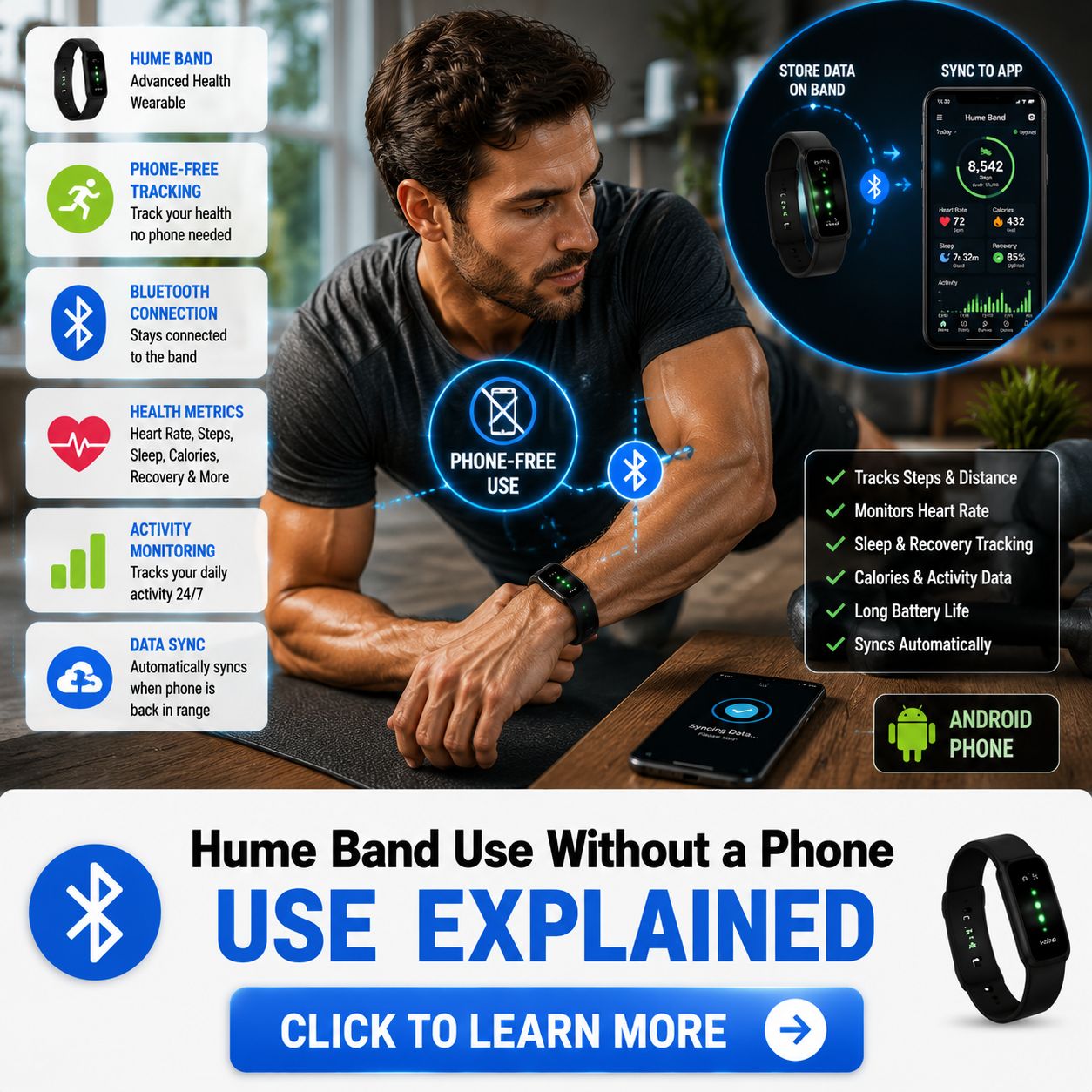
No, it does not need to remain connected to your smartphone all day.
This is perhaps the simplest answer to the question.
You can wear the Band while your phone is in another room, at home, in a locker or otherwise outside Bluetooth range.
The Band can continue collecting and storing information.
You simply need to reconnect the Band to the Hume Health app later to synchronize and review that information.
This makes the Hume Band a practical option for people who want continuous tracking without constantly carrying their phone.
Does Hume Band Work Better With a Phone?
Yes, if you want access to the full Hume experience.
The Band itself is responsible for collecting information, but the app turns that information into something easier to understand.
With the smartphone and Hume app, you can review your available metrics, monitor trends and access app-based insights.
The Hume app is also used for device management and synchronization.
Therefore, the best way to use the Hume Band is not to choose between the Band and phone, but to understand how they complement each other.
The Band handles the continuous collection.
The smartphone handles much of the viewing, synchronization, and connected functionality.
Final Verdict
The Hume Band can continue to collect and store information even when your smartphone is not nearby. This means you do not have to carry your phone everywhere just to keep the Band tracking.
You can leave your phone behind during a walk, workout, or other activity. You can also wear the Band overnight while your smartphone is somewhere else.
You need the Hume Health app for initial setup and pairing, and the smartphone is used to synchronize the Band’s information through Bluetooth. The phone can then use Wi-Fi or cellular internet to communicate with Hume’s cloud services.
The Hume Band can track without your phone nearby, but the Hume app is needed to get the most out of that data.
For users who want continuous health and wellness tracking while reducing their dependence on their smartphone, this can be a useful balance.
You can leave your phone behind while still allowing the Band to collect information in the background.
Just remember to reconnect and synchronize regularly so your latest data becomes available in the Hume Health app.
.
.
.